Enabling Extensions In Safari 5
June
13th,
2010
People keep asking me how to install extensions in Safari 5, so here’s a quick visual primer.
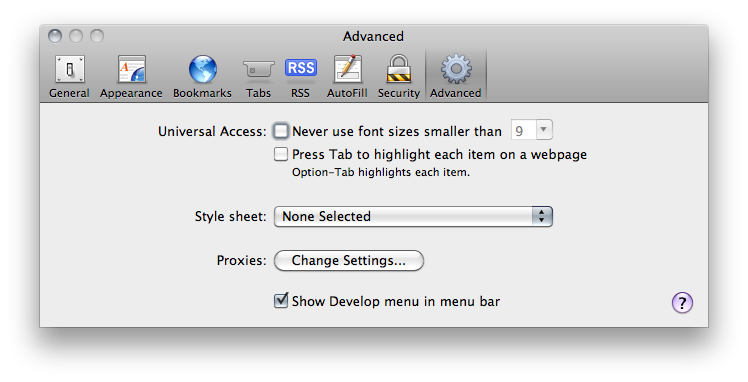
Open Safari’s preferences, click the advanced tab at the top, and check “Show Develop menu in menu bar”.
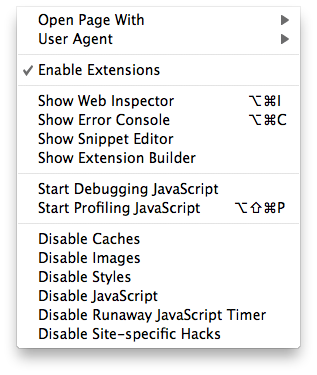
Now click the Develop menu in the menu bar and select “Enable Extensions”.
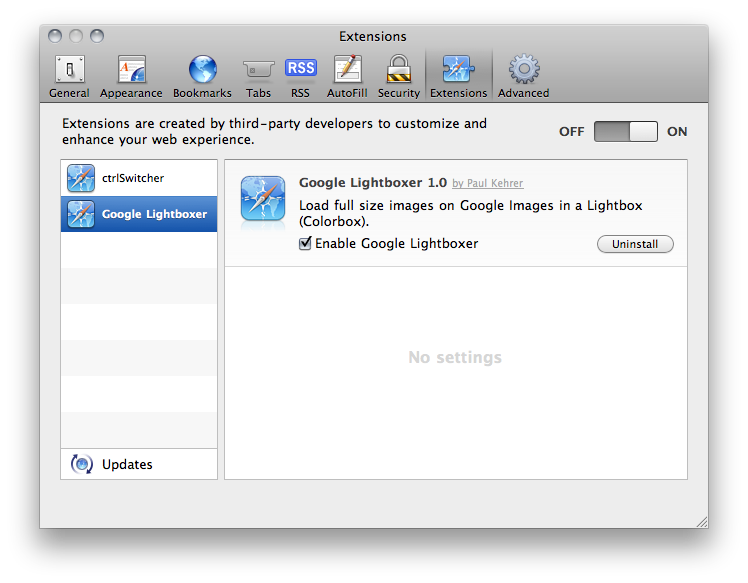
Extensions are now enabled! Double click your extension to add it, and then you can control them in the Safari prefs under the Extensions tab.